Doxo Pays $2.1M: The Bill Pay Ad That Looked Official
You search for your electricity provider and the word "pay bill". The first result carries your power company's name. You click it, pay, and move on.
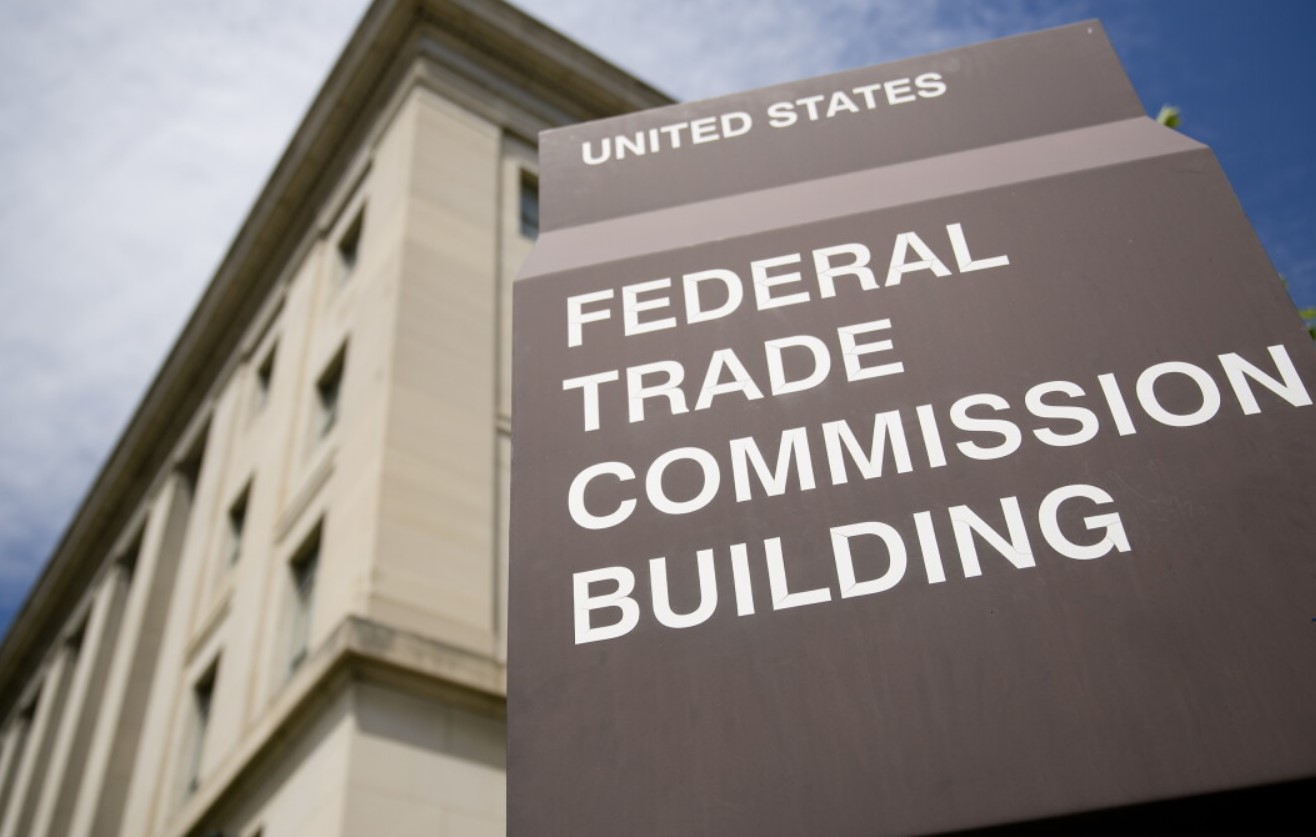
According to the Federal Trade Commission, for a lot of people that link did not lead to their power company at all.
In August 2026 the FTC announced that Doxo will pay $2.1 million to settle allegations that it and two co-founders, Steve Shivers and Roger Parks, used misleading search ads to impersonate consumers' billers and added fees that were not clearly disclosed.
The money goes to consumer redress. But the more useful part of this case is what it teaches about the top of a search results page.
Read next: Rental Scams in 2026: $275 Million Lost and How to Spot One
What the FTC alleged
The complaint was filed in 2024 in the US District Court for the Western District of Washington. Its central claims:
- Search ads that looked like the biller. Ads and landing pages carried other companies' names, and sometimes their actual logos, presenting Doxo as the official payment channel for utility bills, car loans and other obligations.
- No relationship with most of those companies. The FTC alleged Doxo did not have a relationship with the overwhelming majority of the companies it presented as part of its payment network.
- Undisclosed delivery fees added to bills paid on consumers' behalf.
- A subscription people did not knowingly join. The FTC said Doxo failed to clearly disclose that delivery fees were waived only for certain payment methods, and failed to clearly disclose the subscription price.
One part moved past the allegation stage. A federal court found that Doxo violated the Restore Online Shoppers' Confidence Act by failing to clearly disclose subscription terms and failing to obtain consent for subscription charges.
Under the settlement Doxo did not admit or deny the FTC's allegations. The Commission approved the final order in a 2 to 0 vote.
What Doxo is now barred from doing
The order restricts future conduct, and reading the list tells you exactly what the problem was:
Read next: Is ShopVSB.com Legit? Vitamin Sea Boutique Review 2026
- Misrepresenting any affiliation with billers when promoting bill payment services
- Using a biller's website address in search advertisements
- Using a biller's name or logo in a way that falsely implies a partnership
- Misrepresenting payment amounts, service fees, or the total cost of using the platform
- Obtaining financial information through false representations
- Charging consumers without express informed consent
Why this is worth your attention even if you never used Doxo
This is not really a story about one company. It is a story about a habit almost everyone has.
Christopher Mufarrige, director of the FTC's Bureau of Consumer Protection, put it this way: "Misleading search text ads thwart consumers' pursuit of information and undermine the integrity of the marketplace."
The important thing to absorb is this: a search advertisement appearing above the other results does not mean the advertiser is the company you searched for. Ad slots are bought. Anyone can bid on them, including on a brand name that is not theirs.
The same mechanism drives outright criminal scams. Fake login pages for banks and insurers are placed in exactly these positions, which we cover in our guide to fake insurance ads that steal your one-time code.
Read next: Bank Scam Couriers: $26 Million Collected From Front Doors
The difference between a fee and a fraud
Worth being precise, because the two get confused.
Third-party bill payment services are legal, and some are genuinely useful. Paying a fee for convenience is fine when you know you are paying it and know who you are paying.
The FTC's case was not that Doxo charged for a service. It was about presenting itself as the biller's own channel, and about charges people did not knowingly agree to.
So the test is not whether a fee exists. It is whether you knew about it before you paid, and whether you knew who you were paying.
Four checks before you pay any bill online
- Scroll past the ads. Sponsored results sit above the ordinary ones. The real company is usually just below. On a phone, ads can fill the entire first screen, so scrolling matters more, not less.
- Read the actual web address. Not the headline of the ad, the address in the bar after the page loads. If you are paying your electricity company, the address should be theirs.
- Check the total, not the bill amount. Compare what is being charged with what you owe. Any difference is a fee, whether or not it is labelled.
- Read anything about a recurring charge before you submit. Subscription language placed near a payment button is easy to skip, and that is the point of putting it there.
The habit that removes the problem entirely: bookmark the payment pages for the bills you pay regularly, and use the bookmark every time. You never meet a search results page, so there is nothing to judge.
Getting your money back
The $2.1 million is earmarked for consumer redress.
The FTC contacts eligible people directly when it distributes refunds, using its own records. It does not ask you to pay a fee, and it does not ask for bank details over the phone.
Two things worth doing:
- Pull your last twelve months of bill payments and look for charges above the bill amount, or a small recurring charge you do not recognise.
- Report it at reportfraud.ftc.gov if you find something. Refund programmes reach people who are on the record.
And expect the refund scam. Whenever a settlement is announced, callers appear claiming to help you claim your share for a fee. No government agency charges a fee to return money to a consumer.
If you were charged for a subscription you did not agree to
- Cancel it directly with the company, in writing where you can, and keep the confirmation.
- Dispute the charges with your card issuer. Under the Fair Credit Billing Act you have 60 days from the statement showing a disputed charge to send a written notice.
- File with the CFPB at consumerfinance.gov/complaint if the company will not resolve it. These complaints often move cases that had stopped.
Our guide to the first 48 hours covers the deadlines for card and bank disputes in more detail.
The one line to remember
The first result is an advertisement, not an answer.
That single idea protects you from paid impersonation, from junk fees, and from the criminal versions that steal login details rather than adding a charge.
Check a website before you pay through it
Look up a website or phone number here, free and in about ten seconds.
What Do You Think?
No one has commented yet. If this happened to you as well, say so below. Knowing that other people had the same call makes it far easier for the next person to trust their instincts.
Add Your Comment
Every comment is read by a person before it appears, so it will not show up straight away. Never post your phone number, address, or bank details here.